IBO Player Pro activation
Activate IBO Player Pro
for 12 months or a lifetime
Choose an activation period for one supported device. Install IBO Player Pro, check that it works with your device and playlist, then select the license that suits you.
Player only: Activation unlocks the application. It does not include channels, playlists, subscriptions or streaming content. Use media sources you are permitted to access.
About IBO Player Pro
A media player for your own content
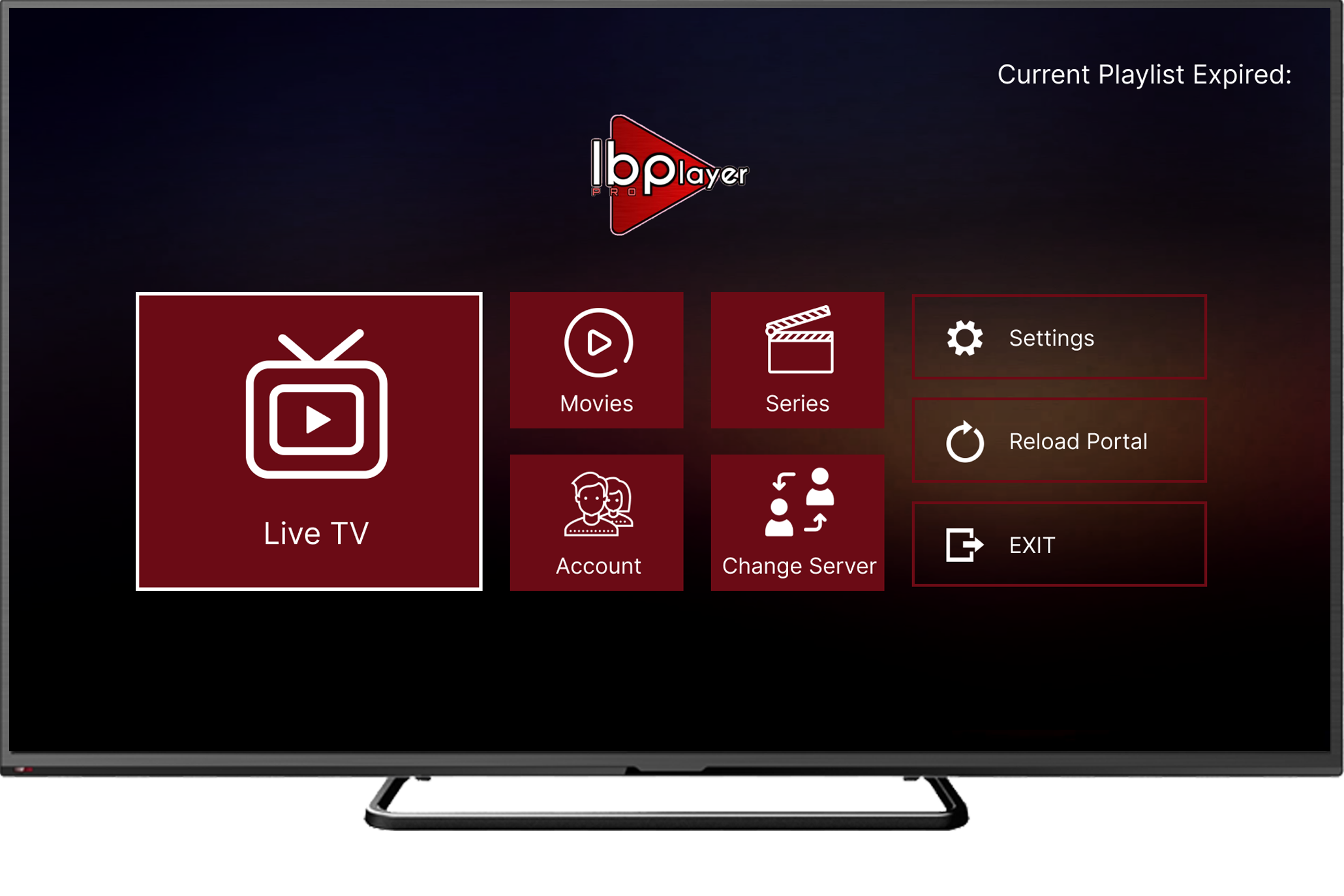
IBO Player Pro is a media-player application for compatible Smart TVs and devices. The license activates the player; it does not provide TV channels, films, playlists or a streaming subscription. Your playlist or media source is separate from the app activation.
Check the app on your device
Install the version available for your device and try its features before ordering. The app page describes a seven-day trial; availability can depend on the device and current app terms.
Use a playlist you control
Add your own playlist or media source in the application. Playlist access comes from your provider and is not part of an IBO Player Pro activation purchase.
Choose a license period
Pick a 12-month or lifetime activation for one supported device. Confirm the app, device details and selected option before completing checkout.
Activation options
Choose your IBO Player Pro license
Both options activate the player on one supported device. Prices below are in euros. Review the selected period, terms and final checkout amount on the activation page.
12 months
12-Month Activation
Activate IBO Player Pro for one year on the device you select. This is an app license, not a monthly TV subscription.
Choose 12 monthsLifetime
Lifetime Activation
A one-time lifetime activation for one supported device, subject to the conditions shown on the product page.
Choose LifetimeDevices and downloads
Install IBO Player Pro on a compatible device
The current IBO Player Pro site links to mobile, desktop and Smart TV listings. Store availability and app features may vary by device model, operating system and region.
Use the official listing for your platform. Check that you have installed IBO Player Pro—not a similarly named player—and test your own playlist before ordering.




Getting started
How activation works
Install the app
Choose the official IBO Player Pro listing that matches your device.
Test your setup
Check that the application and your own playlist work before purchasing.
Find your device details
Open the app and note the MAC address shown for the device you plan to activate.
Select your license
Choose 12 months or lifetime, enter the requested details, then check the order total.
Playlist management
Manage your playlist separately
Use the IBO Player Pro playlist-management page to manage a playlist associated with your device. The playlist and its service are provided separately from an app activation license.
For resellers
Interested in reselling IBO Player Pro?
Visit the reseller page for details about the program and the available reseller tools.
Questions and answers
IBO Player Pro activation FAQ
Does activation include channels or playlists?
No. IBO Player Pro is a media player. You supply your own lawful playlist or media source; activation does not include channels, films or a subscription.
Which activation periods are available?
The page offers a 12-Month Activation and a Lifetime Activation for one supported device. Review the selected period and current terms on the product page.
Can I test the application first?
The product information describes a seven-day trial. Trial availability and conditions may depend on your device and the current app listing, so check before ordering.
What information is needed for activation?
The activation checkout asks for the device MAC address and your email. Enter the details for the device you intend to activate.
Can activation fix a playlist or streaming problem?
No. The license activates the player only. Check your playlist details and contact your independent content provider about expired or unavailable content.
Are activation purchases refundable?
The product page marks the activation options non-refundable. Test the app where possible and review the sale terms before paying.
Ready to activate IBO Player Pro?
Choose a license for your device, then confirm the option and final checkout total.